Week 3 - Web Scraping
This is the third week of Digital Practices.
This Week:
- Description:
- Reflection:
- Work to be done for next week:
I will be attempting to do web scraping which is to extract data online and analyse this. I have never done this before but it is important for digital media. I only have some experience in coding and im not exactly the best at it. There is no lecture this week, only lab session.
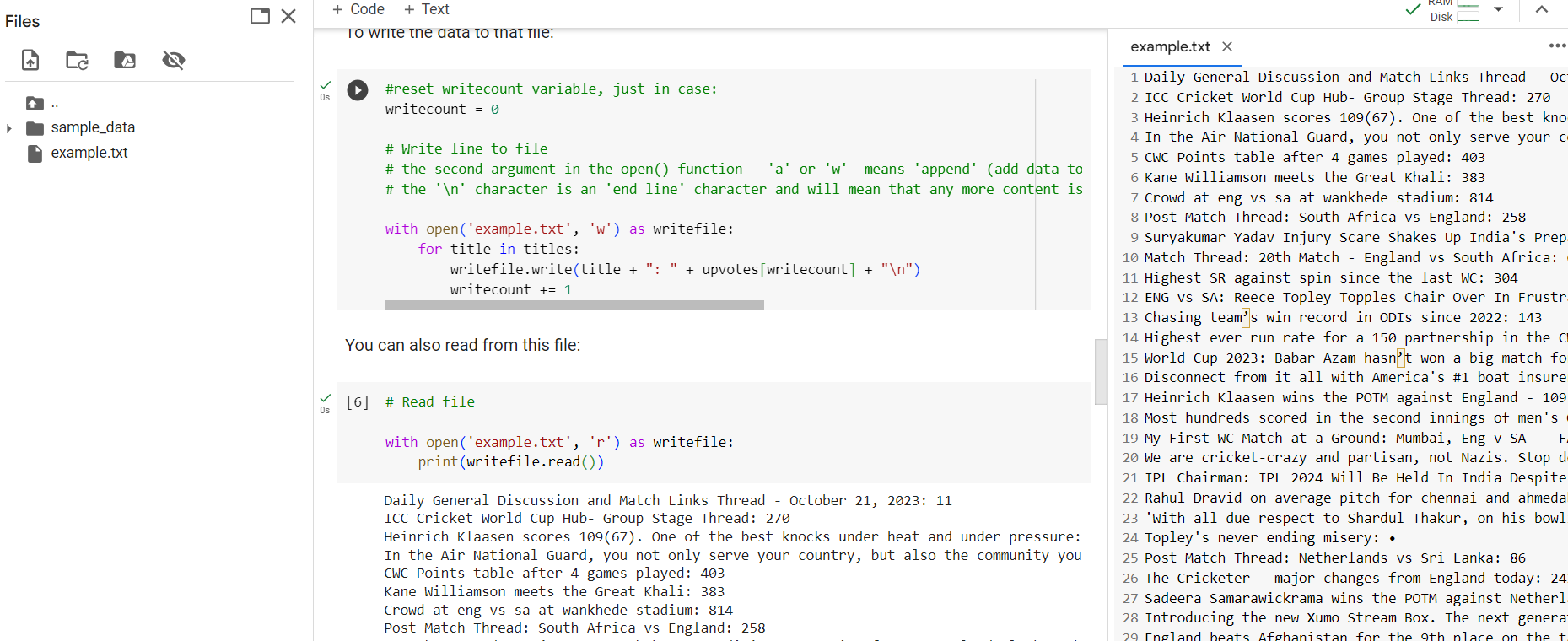
It’s interesting that you can make your own tools for data scraping or just use preexisting tools. I have used developer tools before. You can find what the code looks like behind the front end by using the inspect element. Web scraper.io is a google chrome extension, so you don’t have to download anything. I have tried doing this on BBC and was able to collect some data and extract this as a CSV file. Therefore, if I needed to, I could analyze this data and compare this with other data. For example, I could use this to identify how many comments there are on a reddit post and compare that with other posts, or even compare prices on ebay or amazon. Adding new selectors can separate each element making it easier to look at the data. For example, text, image and price for ebay listings. I have also tried to use google colab so it’s a lot easier and more efficient to write down code or input existing code and use that to scrape data. I did mine from r/cricket. ScrapeHero and OutWit are other ways to scrape data which I have not gone through yet. All in all, I found this interesting. I can use these methods to analyze and compare data from two different sources
The task is to work on the website portfolio. Therefore, I have been working on the website which I started last week. I also need to look at the methods of data scraping which I was unable to do on the lab pc's.
Overall Thoughts and Images:
I understand why people use web scraping now and how they do it. It is something which I may do myself now that I know about it. Here is an image of what I got whilst trying to data scrape using google colab for r/cricket:
I have also been working on the website finding and improving it whilst retaining the look that I liked from last week. I used websites such as w3schools to help. I may use websites such as html5up to improve the look of the website but other than that I think it is fine for now.
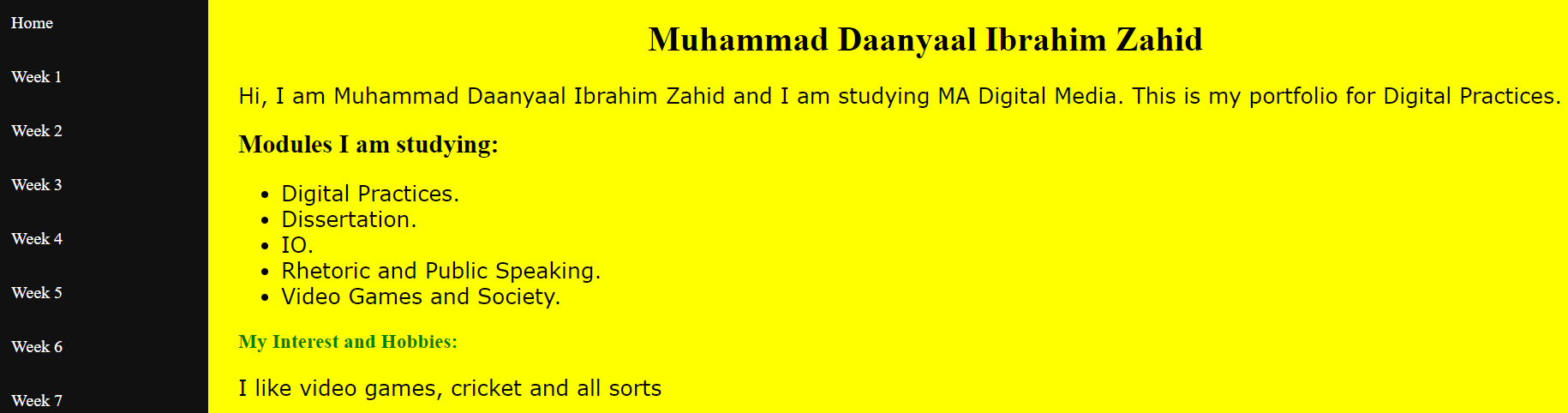
To further add, I have organised the folders for the website and have successfully used filezilla to transfer back and forth the website portfolio to my cPanel. It is a lot easier compared to manually doing this and I will only upload a file once it is done. Such as now.